Your speaker deserves better than Bluetooth, FM and a thumb drive
It can reach internet radio all over the world. Raywav adds all of that in a minute — no special ports required.
WI-FI STREAMER
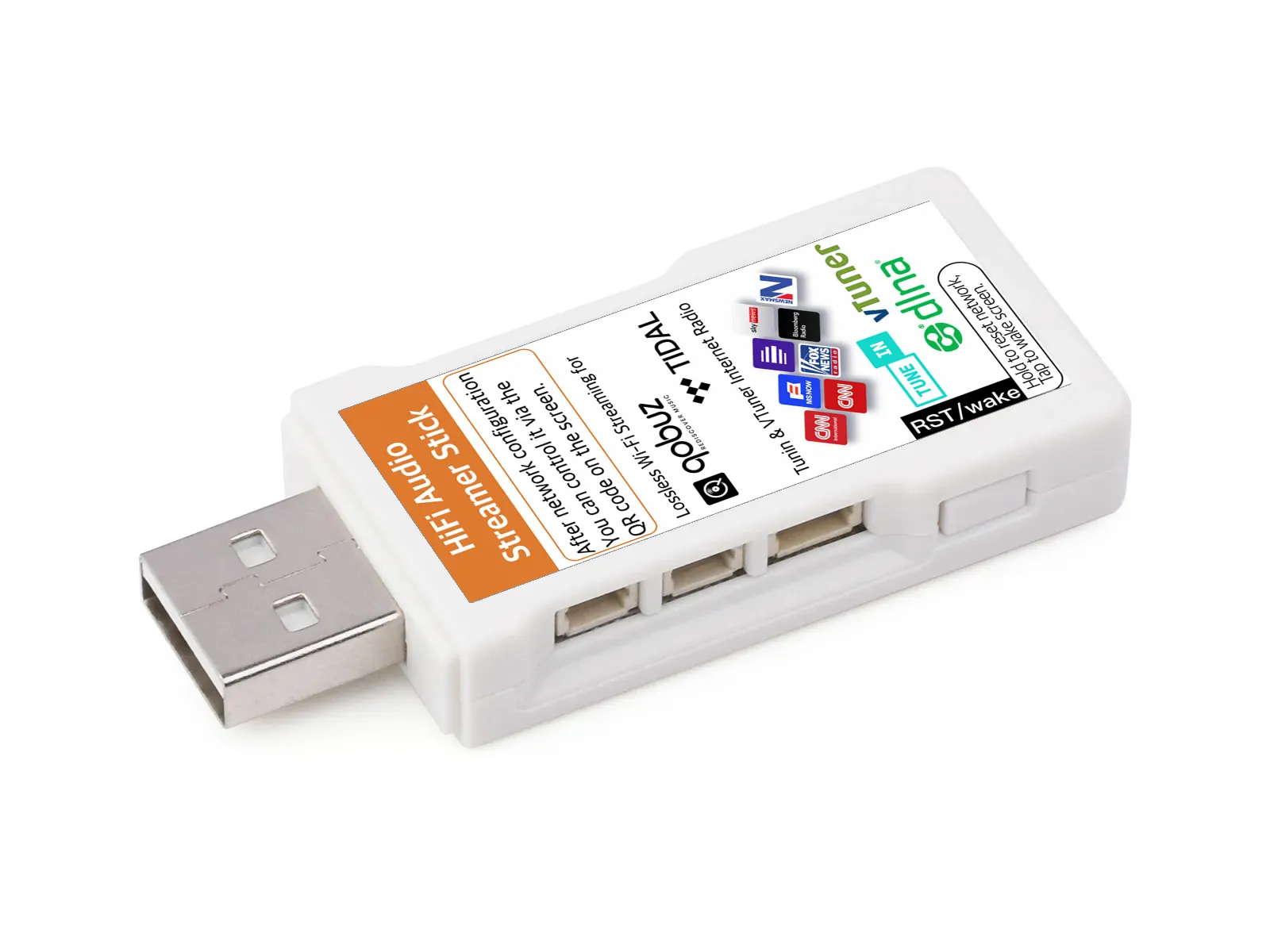
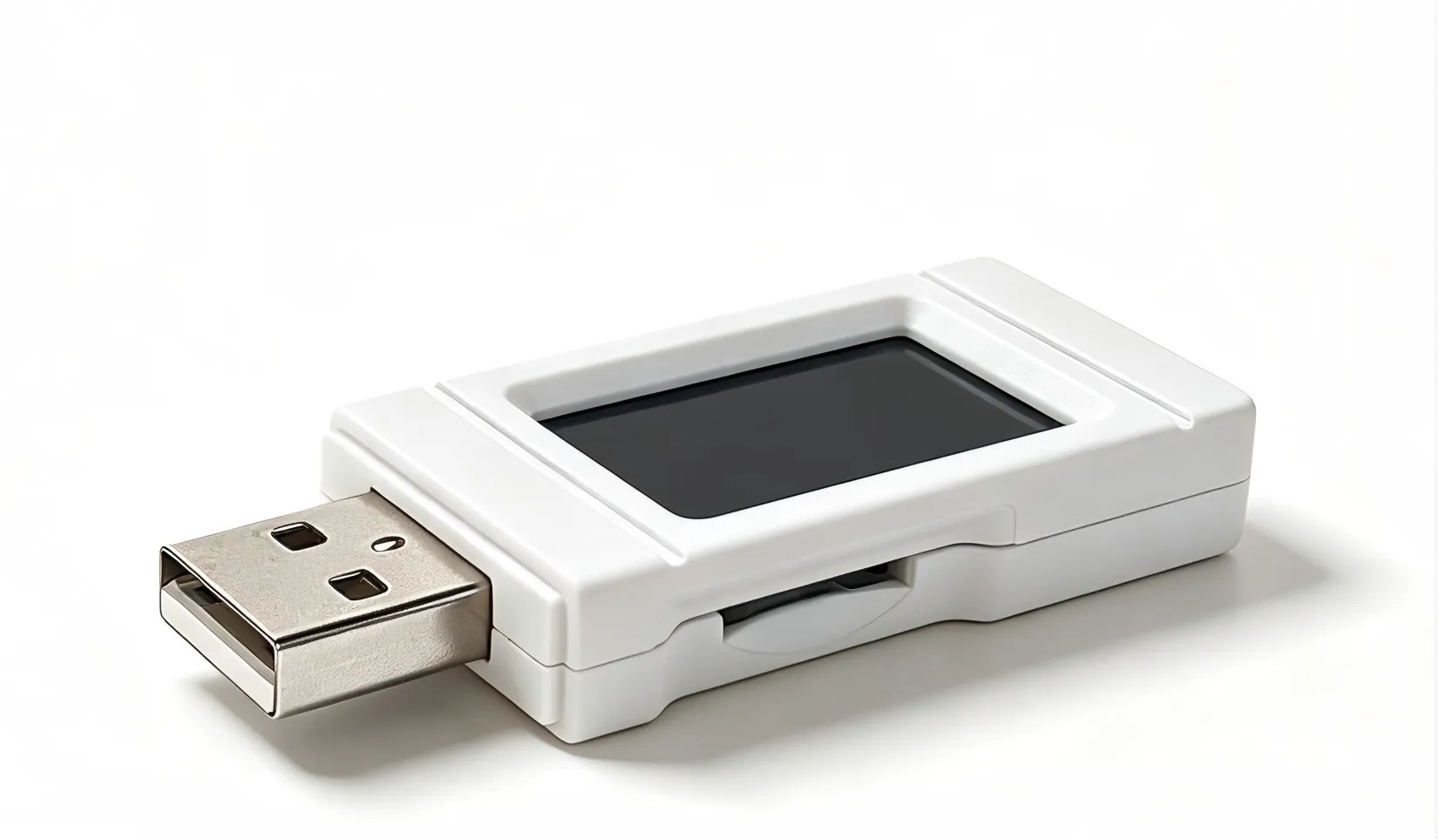
Think of it as a WiiM Mini that hides inside your speaker’s USB port — plug it in like a flash drive and it plays on its own. We are not fussy about hardware either: amplifiers, portable speakers with a USB slot, radios, trolley speakers — if it plays a USB stick, we support it.
One stick wakes up one speaker you already love — streaming in under a minute.
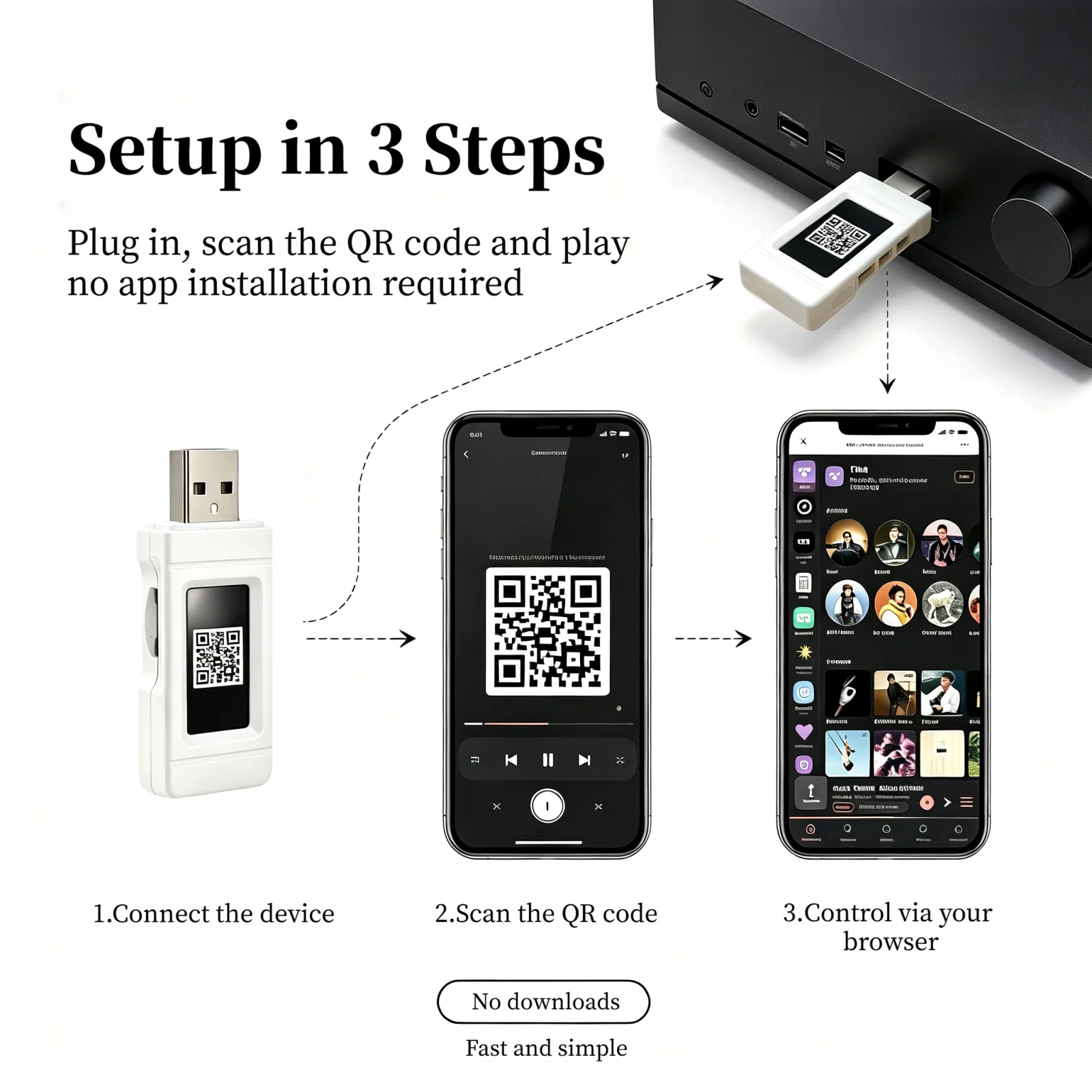
Scan to control.
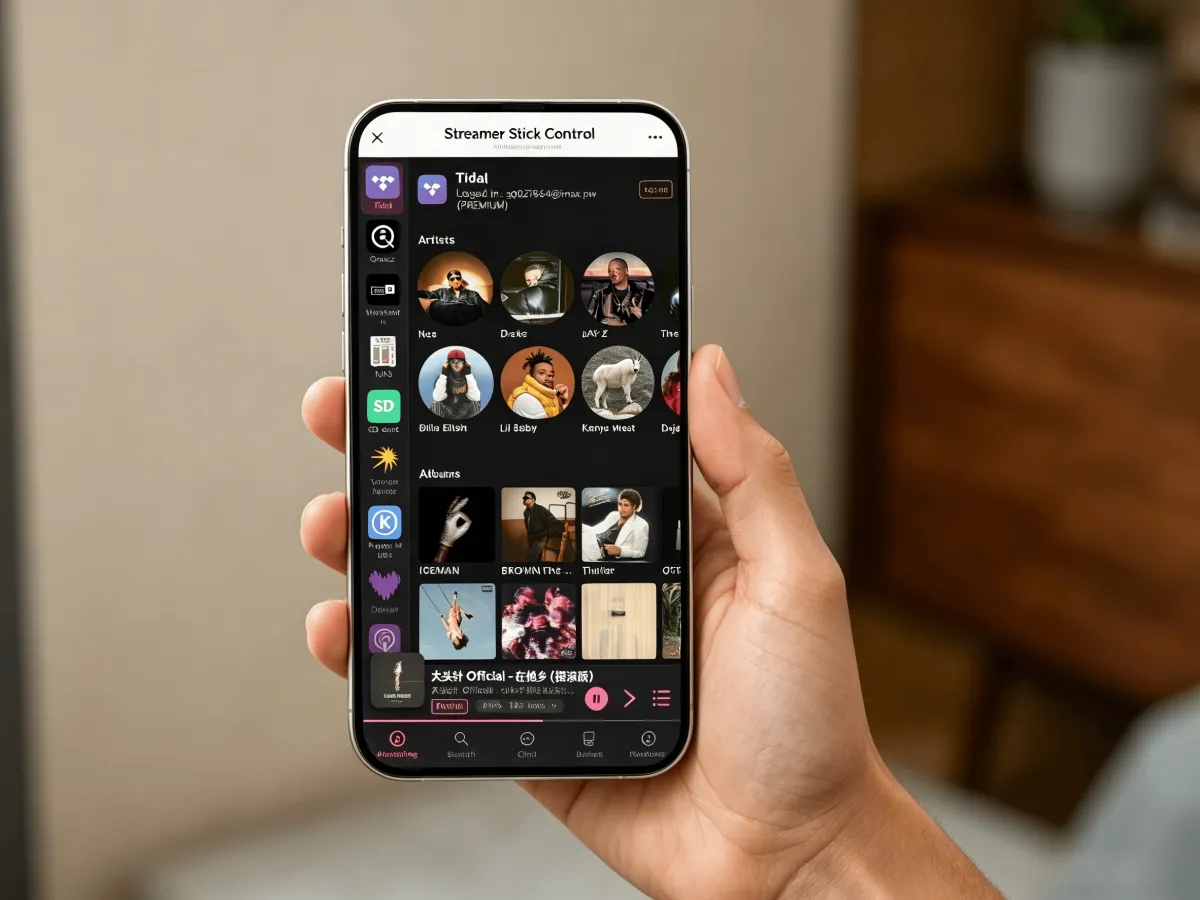
Opens a browser page on your phone. That is the whole UI.
THE GAP
Give the speakers you already love every streaming service and the world’s radio — without buying a new smart speaker or running cables.
It can reach internet radio all over the world. Raywav adds all of that in a minute — no special ports required.
The Stick pulls the stream straight from the source — no relaying through your phone, no resampling along the way. Same speaker, cleaner sound.
A $400 speaker should not become e-waste because it lacks Wi-Fi. Give it a stick instead.
CORE FEATURES
Everything needed to turn a speaker into a Wi-Fi streamer — packed smaller than a thumb.
Joins your 2.4GHz Wi-Fi and plays from the internet — streaming services and radio, not Bluetooth.
MP3, AAC, FLAC, WAV, M4A/MP4, plus HLS (m3u8) and PLS for internet radio.
Draws power from the USB-A port. No separate brick, no driver, no setup wizard. Plug it in and it is live.
Scan the QR code and a control page opens in your browser. After you hit play, the stick keeps going on its own — you can put the phone down.
Once playing, the stick pulls the audio stream straight from the source rather than relaying it through your phone. Skipping those relay hops avoids repeated resampling and re-encoding, so less sound is lost along the way.
Pick tracks from an SD card and build playlists — not just play in order or shuffle.
Search NAS drives on your home network and play them over SMB or DLNA.
Add any station you like — paste a stream URL from the internet, or point to one on your home network. Internet or LAN, both play.
HOW IT WORKS
No app download. Just plug, scan, pick and play.
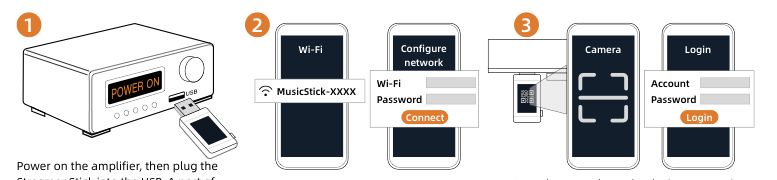
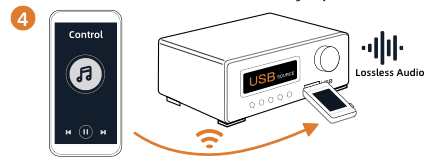
Insert Raywav Stick into the USB storage port on your speaker or amp — the port that plays a USB flash drive. It draws power from that port — no separate adapter.
Scan the QR code on the device with your phone. The control page opens in your browser — no app to install.
Choose from music platforms, internet radio, an SD card, or a NAS on your home network over SMB or DLNA.
Hit play on your speaker. The sound comes out. Then put your phone down.
SOURCES
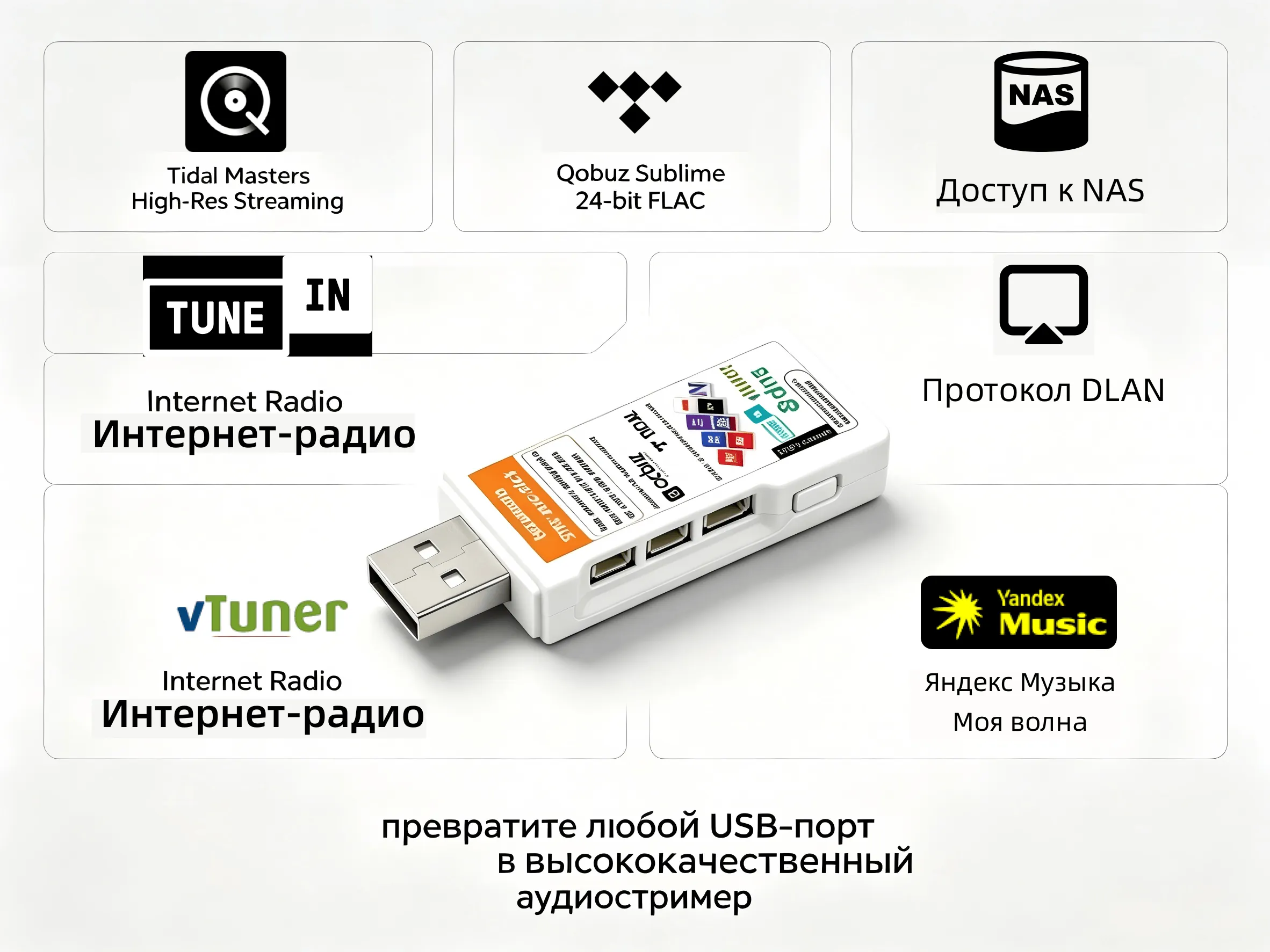
Tidal, Qobuz, and JioSaavn, plus internet radio, podcasts, an SD card, and songs on your NAS over SMB or DLNA. Streaming services use the subscription you already have.
Available in your region






Also works with regional services elsewhere







WHERE IT PLAYS
If it plays music from a USB stick, it can play Raywav. These are the setups.

The audio you return to every day — Quran recitation, daily prayers, Christian liturgy — on the speakers already in the home, shop, mosque or church.
Home · Shop · Mosque · Church
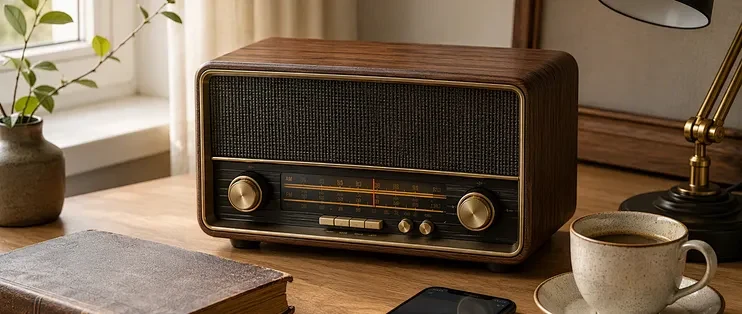
Local stations, stations from across the border, and dialect stations. At home, in the shop, or where FM never arrives.
Home · Shop · Beyond FM
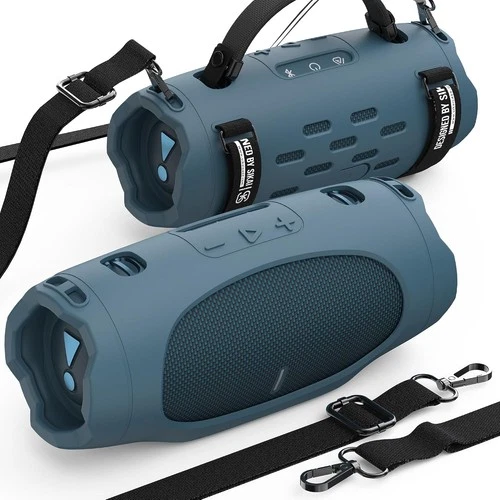
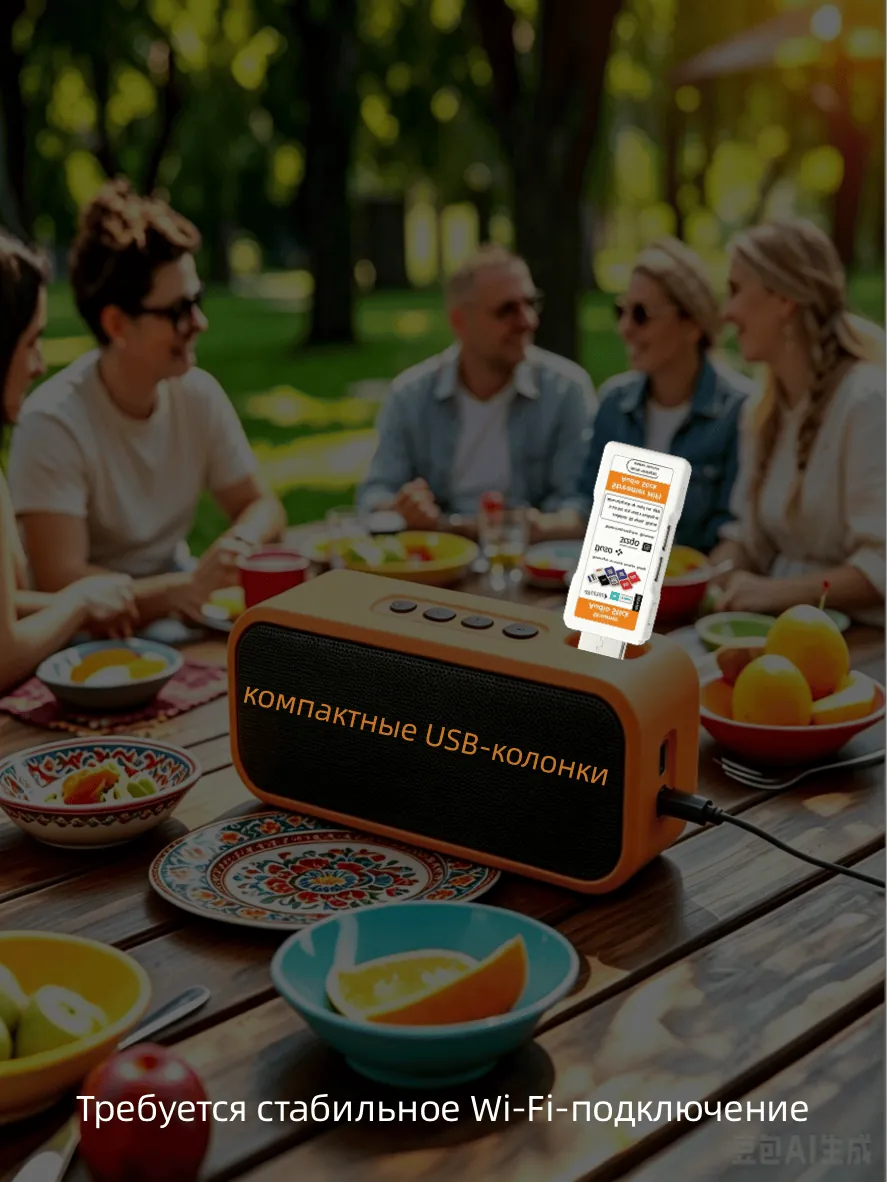
Weddings, markets, classrooms. Streaming, radio and your own music through a trolley speaker or a portable one.
Trolley speakers · Portable speakers
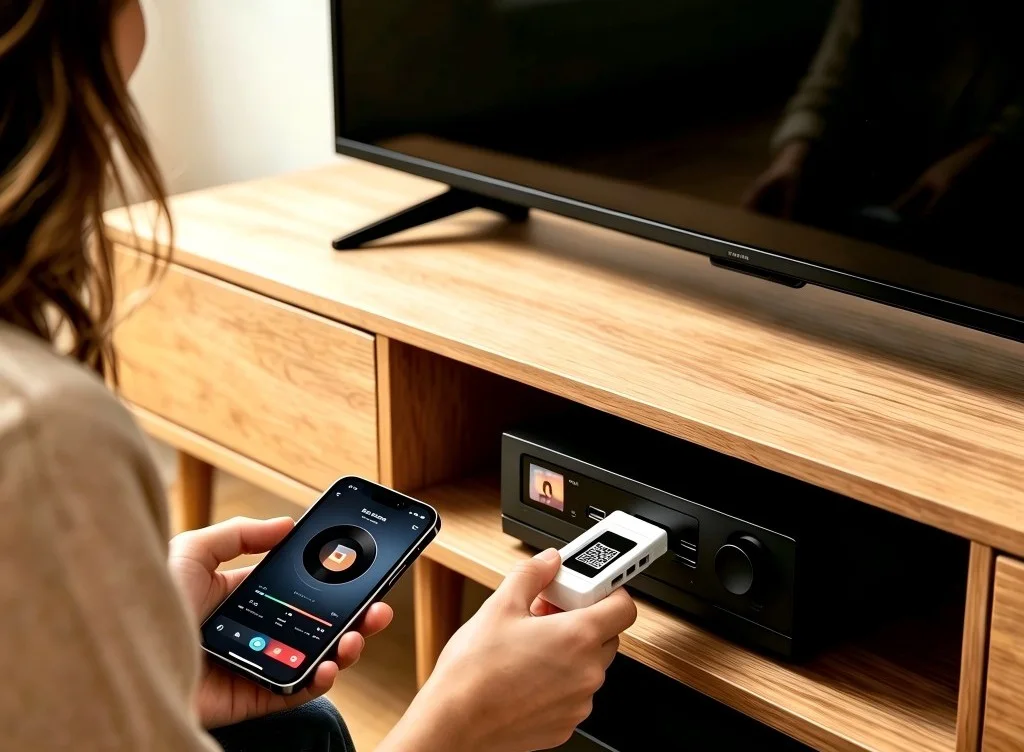
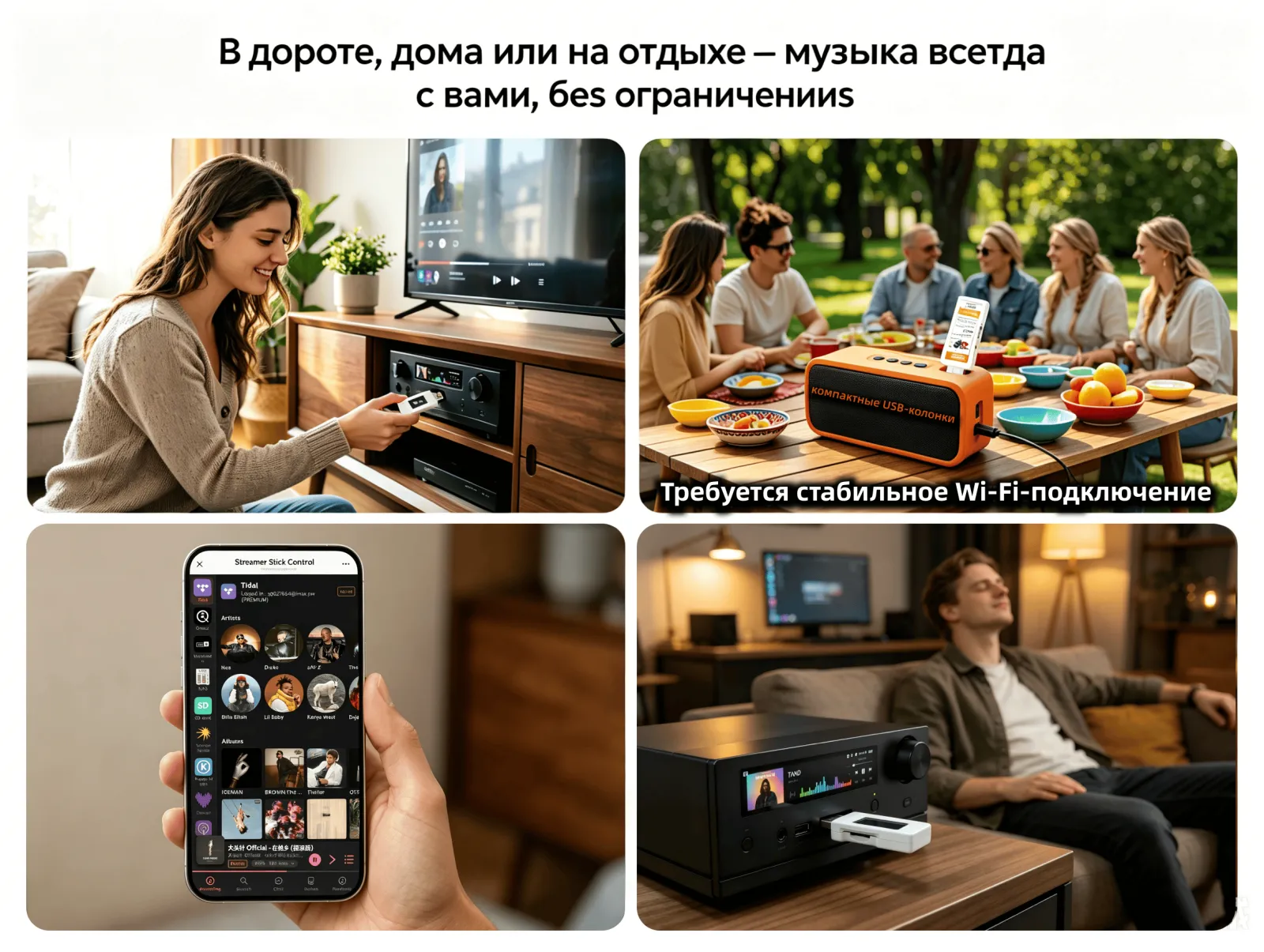
Living room, study, or the mini system you still like. Streaming, radio and your library, on those same speakers.
Living room · Study · Mini system
The USB port must play music from a flash drive. Charge-only ports marked Power Only will not work.
COMPATIBILITY
Among the brands below, amps and speakers that play music from a USB flash drive work with Raywav.
Not compatible? Full refund.






































































PRODUCT GALLERY
USB-stick-sized hardware, a clean browser UI, and the speakers it brings back to life.
SOCIAL PROOF
Here is what early owners have to say.
5 out of 5, from 3 reviews
Plugged it in, scanned, and my regular speaker was streaming in a minute.

Internet radio from all over the world — no phone in the middle. Open it and you're listening.

Sound is noticeably cleaner than Bluetooth from the same speaker.

SPECS & COMPATIBILITY
QUESTIONS
What is it for — do I push to it, or does it play on its own?
It turns a speaker you already own into its own streaming speaker. Plug it into the USB port that plays a flash drive, and that speaker gets streaming services, internet radio and your own library. Both ways work: the Stick plays on its own (it fetches the stream itself, so your phone is only the remote), or you push music to it over DLNA from a phone or tablet using a controller such as BubbleUPnP or Air Music.
Can I use it around the whole house?
Yes — put one Stick in each speaker you love. The living-room stereo, the kitchen radio, the shop system: each becomes its own streaming speaker, controlled from any phone browser. No hub, no subscription, no rewiring.
Do I need to install an app?
No. Scanning the QR code opens a control page in your phone’s browser. After you start playback, the stick keeps playing on its own.
Does it need its own power supply?
No. It is self-powered from the USB-A port it plugs into.
Which Wi-Fi band?
2.4 GHz. Streaming and radio need an internet connection. Phone and stick should be on the same Wi-Fi to open the control page.
Which file formats?
MP3, AAC, FLAC, WAV, and M4A/MP4, plus HLS (m3u8) and PLS for internet radio. On an SD card you can pick tracks and build playlists. You can also search NAS drives on your home network and play them over SMB or DLNA.
Which music services and radio?
Tidal, Qobuz, JioSaavn, internet radio, podcasts, an SD card, and songs on your NAS over SMB or DLNA. Streaming services need their own subscription.
Which USB port should I use on my speaker or amp?
The USB storage port — the same one that plays music from a USB flash drive. Charge-only ports marked Power Only will not work.
CONTACT
Wholesale, distribution, or a question about your stick — reach us on the channel that fits you.
Pick the channel that suits you — WhatsApp, Telegram, or email.