Why did the speaker read the salesperson's USB stick in the store, but ignores mine at home?
Your flash drive plays fine on a computer, yet the speaker shows an error or stays silent when you plug it in. Here is how switching the drive from NTFS to FAT32 fixes it in a minute.
Plenty of people run into this exact frustration the day they bring a new speaker or trolley box home: at the shop counter, the salesperson plugged in a thumb drive and music started blasting immediately. You carry the box home, grab a good brand-name USB stick from your desk drawer, copy a folder of MP3s onto it, and plug it in—and the speaker either sits there dead silent or flashes an error on its tiny screen. You plug the stick back into your computer and every song plays fine; you try a second new flash drive and the speaker ignores that one too, making you wonder if the port broke on the ride home.
One person spent an entire afternoon chasing this: copying songs from a working memory card onto their own USB stick gave silence, while copying songs from their USB stick onto the friend's card played right away. Opening the drive properties side by side on a computer finally gave it away—the drive that played was formatted as `FAT32`, while their everyday desk flash drive was formatted as `NTFS` (or `exFAT`). A computer reads all of them without complaint, but the simple decoder chips inside most amplifiers and party speakers only understand old-school `FAT32`. Hand them an `NTFS` stick and they act as if nothing is plugged in.
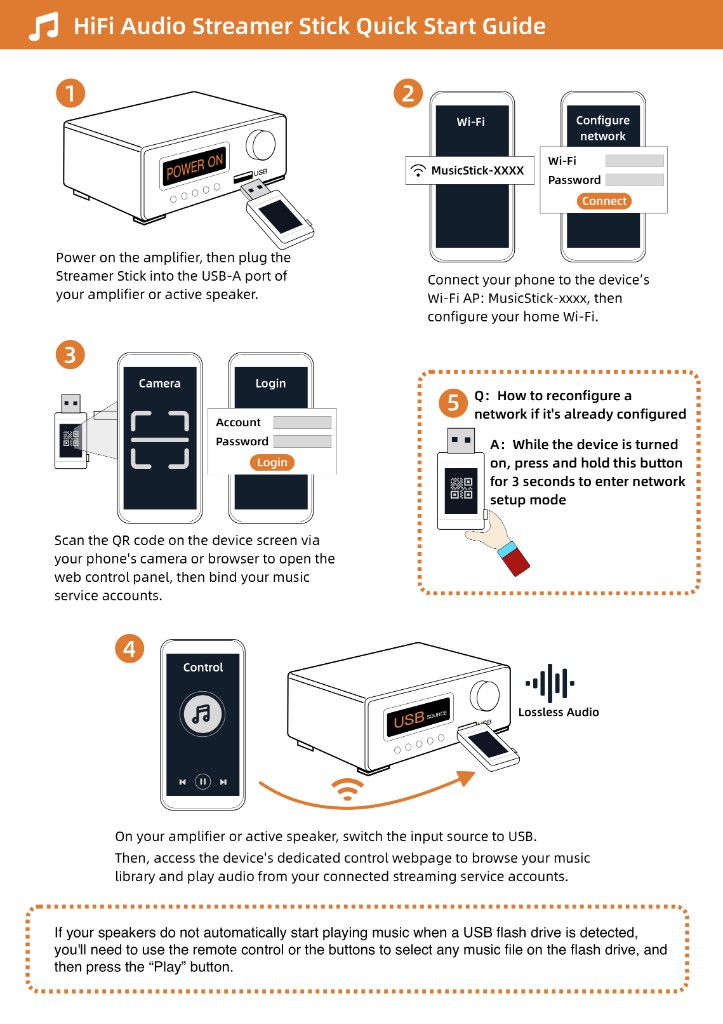
The fix takes a minute: copy anything you want to keep off the USB stick onto your computer desktop first, right-click the drive icon, choose Format, pick `FAT32` under File System, and hit Start. Drop two normal MP3 tracks onto the freshly formatted stick, plug it back into the speaker, and it should start singing right away. Once you know the speaker's USB port works, if you get tired of unplugging the flash drive to load new songs on a computer, you can plug a Raywav Stick into that exact same socket and pick online playlists and radio stations from your phone's browser—while keeping that `FAT32` thumb drive in a drawer as an offline backup.